
Sky Sec Knowledge
Share Transfers in Sky Sec — Certificates, Patterns and Controls
By Mark Silberman B.Acc CA(SA), SAICA Tax Technology Committee · 2 August 2026
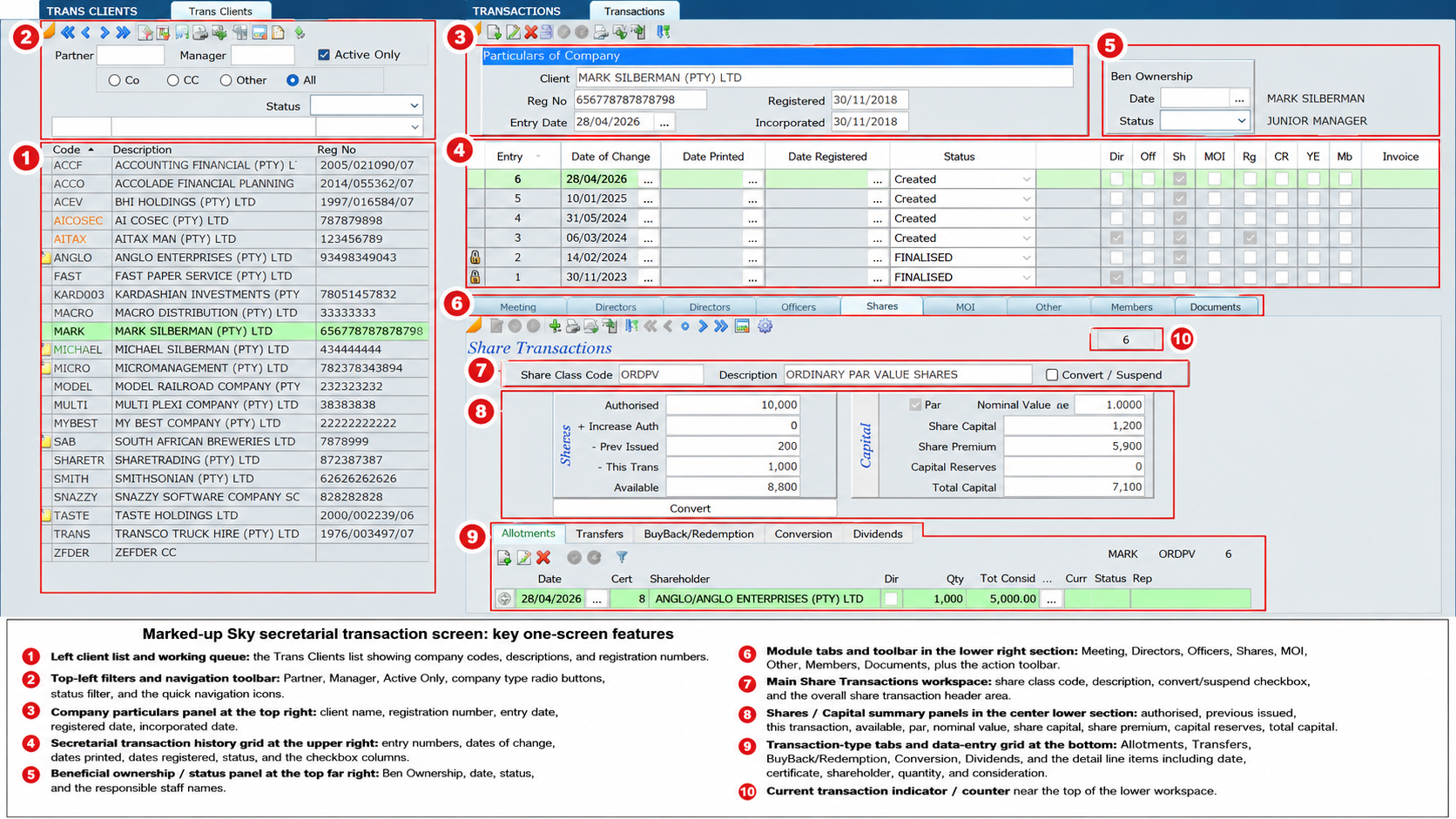
Share transfers in Sky are handled as secretarial transactions under the Shares tab. You create a new transaction, then work in edit mode to transfer shares from one shareholder to another. Sky treats the transfer as creating a new shareholder link record or share certificate record, and the original certificate must be reduced to zero. If a balance certificate is needed, the system can generate it automatically. Where only a portion of the shares are transferred, a balance certificate will automatically be produced.
Transfer patterns
- One-to-many: one existing certificate is split across multiple new certificates until the full balance is transferred. The original certificate is then cancelled.
- Many-to-one: several existing certificates are transferred into one new certificate. The docs suggest this is often best handled by buying back the original certificates and then allotting a new one.
- Split: part of a holding is transferred to another shareholder, and Sky can generate the balance certificate automatically for the remaining shares.
- Actual share transfer: you click New, select the certificate, click Transfer, and allocate the new share certificate to the shareholder in the client file.
Important points
- Before transferring, make sure the opening share position is correct and the share capital class is already set up.
- The transaction can be tracked with statuses, and when it is finalised it becomes locked.
- New certificates created by the transfer can be printed directly from that transaction.
